



BIMB Mobile & BIMB Web Now for Ages 12–17
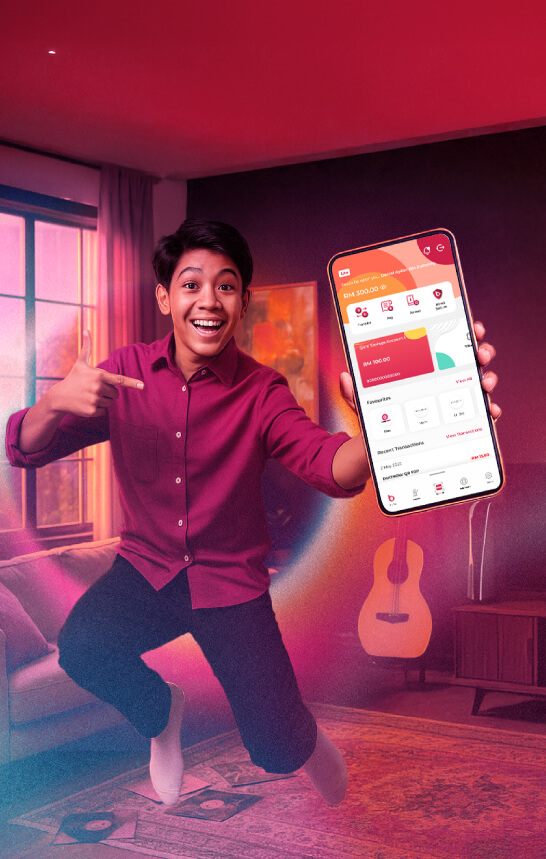
BIMB Mobile & BIMB Web Now for Ages 12–17
Eligibility criteria



Note
If you’ve previously signed the Indemnity Form for Bank Islam Debit Card-i, you will still need to visit the branch again for BIMB Mobile & BIMB Web Lite version access.
Start managing your money, your way

Funds Transfer




How to register?
Sign the Indemnity Form for BIMB Mobile/BIMB Web access.
Download the BIMB Mobile App or log on to BIMB Web.
Enter your bank account or debit card number and complete the details required
Activate online access:
- If you have a Debit Card-i: Activate via ATM
- If you don’t have a Debit Card-i: Activate at the branch
Wait for the 12-hour cooling-off period to complete.
Transaction Limits
For your security, BIMB Mobile & BIMB Web Lite have a combined daily transaction limit of RM300, which covers:
- Fund transfers
- Bill payments
- Other monetary activities
Frequently asked questions
To access BIMB Web, you need to register as a user. Please refer to the How to Use section in the Help Centre at https://www.bimb.com/ for the steps to register.
Yes, you can access Individual and Joint Accounts through BIMB Web, which can be obtained via https://www.bankislam.com/.
However, to access your Sole Proprietor Account, you must:
- Apply for a separate Bank Islam Debit Card-i linked to the Sole Proprietor Account, and
- Register separately for BIMB Web access using that card.
To ensure seamless and secure experience when using BIMB Web, we recommend the following minimum system and browser requirements:
- Minimum Browser Requirements
BIMB Web is supported on the following browsers:
- Google Chrome: Version 29 and above.
- Mozilla Firefox: Version 27 and above.
- Microsoft Edge: Version 12 and above.
- Apple Safari: Version 7 and above (for macOS and iOS users).
These browsers must support modern web standards and JavaScript.
- Recommended Browsers for Best Viewing Experience
For optimal performance and compatibility, it is highly recommended to use the latest versions of:
- Google Chrome
- Microsoft Edge
- Minimum System Requirements
- Desktop/Laptop:
- Operating System: Windows 10 or macOS Catalina and above.
- Browser: Any of the supported browsers listed above.
- Individual accounts
- Joint accounts - your ability to make transfers is subject to the joint account mandate
- Trust accounts - access is currently limited to Primary Account Holder (parent or guardian); beneficiary access will be enabled in the future
- Sole Proprietorship accounts
Looking to open a bank account for your teenager? With the Bank Islam Lite Version, parents can easily open a savings account for children aged 12 to 17 years old. This account is designed to encourage responsible money management and promote smart saving habits from a young age. Whether you’re planning for your child’s allowance, school expenses, or future savings, Lite makes it simple, secure, and convenient to get started.